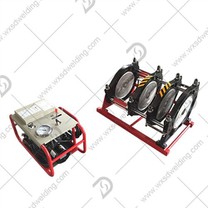
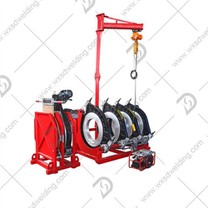
1. When we use the fully automatic Electrofusion welding machine, turn on the power, and the screen will display "Welcome to use the welding machine" after turning it on. After a while, the input power supply voltage, frequency, ambient temperature and system time will be displayed, and after 4 seconds Enter the main menu.
2. Use the welding command, select welding on the main menu, and press the OK button to display the welding parameters. If the parameters do not need to be changed, press the OK button to enter the welding menu and find the automatic welding program. Press the cancel key during the welding process to stop the welding, but the data will not be saved.
3. Use the segmented welding command, select segmented welding on the main menu, press the OK key, the segmented welding parameters are displayed, up to five segments of welding can be selected, displayed in two screens, press the up and down keys to preview the welding parameters, if you don’t need to change it, Press the left key to enter the welding menu, and press the OK key to start the automatic welding procedure.
4. After welding with the automatic Electrofusion welding machine, pull out the welding output plug from the electrode of the electrofusion pipe fitting, cut off the power supply of the welding machine, and put the automatic welding machine aside.